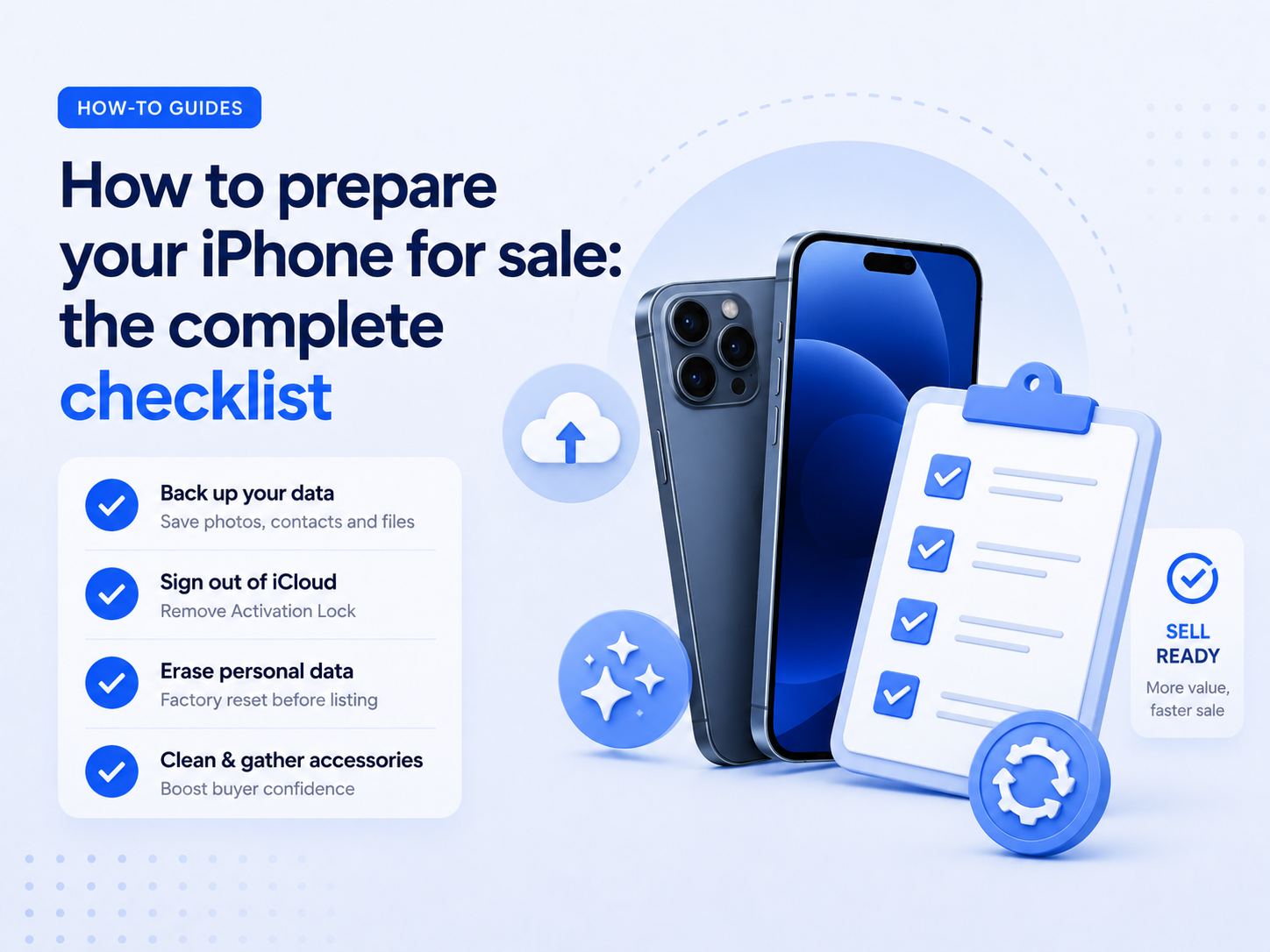
The complete pre-sale checklist
Preparing your iPhone properly before selling it takes about ten minutes. Do it right and you avoid the two most common problems: payment delays and revised offers. Here's exactly what to do.
1. Back up your data
Go to Settings > [Your name] > iCloud > iCloud Backup and tap Back Up Now. Wait until it completes. This ensures you have a full copy of everything — photos, messages, app data — before the device is wiped.
2. Unpair connected devices
If you have an Apple Watch, AirPods, or other devices paired to this iPhone, unpair them first. Apple Watch in particular stores data locally that won't be included in iCloud backup if you skip this step.
3. Remove your Apple ID and disable Find My
This is the critical step. Go to Settings > [Your name] > Sign Out. You'll be asked to enter your Apple ID password and confirm. This disables Find My iPhone and removes the iCloud lock. A phone that arrives with iCloud lock active cannot be processed.
4. Erase all content and settings
Go to Settings > General > Transfer or Reset iPhone > Erase All Content and Settings. Enter your passcode when prompted. The phone will restart and show the setup screen — this confirms the erase was successful.
5. Remove your SIM card
Use the SIM ejector tool (or a paperclip) to remove your SIM card. Keep it — you'll need it for your new phone. Don't send it with the device.
6. Inspect the condition honestly
Before selecting your condition on the quote form, clean the screen and body with a microfibre cloth and examine the device in bright light. Be honest — it's always better to understate slightly than to overstate and receive a revised offer on arrival.